As we all know lenses are not ideal. We often have the situation that the corners of the frame may look too soft. This is not important for all pictures but matters where the main subject covers the full frame. Of course using more appropriate lenses in the first place is the better solution. But this does not really help once you have the photo and cannot go back.
We show our technique in the context of the full workflow. We of course use our own detail extraction tools but the technique itself is more universal.
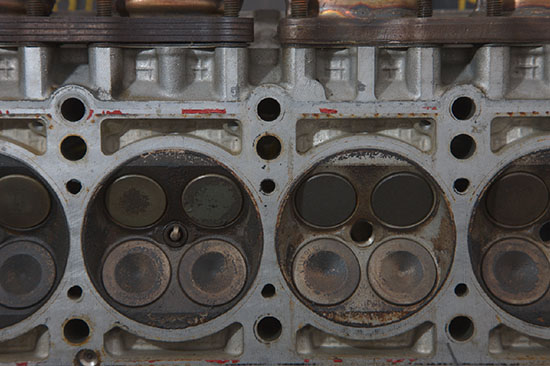
Canon 1Ds Mark III, 24-105mm f/4 @ 81mm and using dual flash
The initial image was converted using RAW Developer (we use it for excellent detail).
Step 1: Contrast Plus
First we add some more contrast using our DOP Contrast Plus:
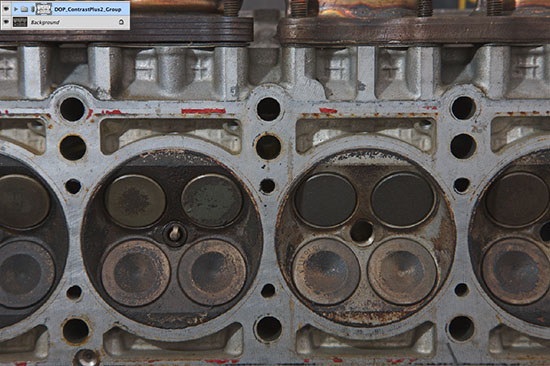
A bit more contrast
Step 2: Initial Detail Extraction
We use DOP EasyD Plus for an initial run on detail extraction:
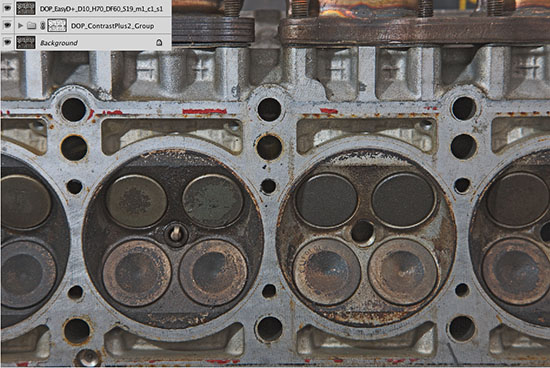
Middle strong detail extraction for the full image
The middle section of the image shows now good detail but the corners are soft:
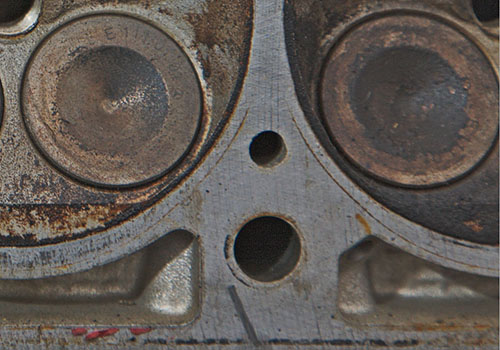
Step 3: Strong detail extraction and masking for the corners
We perform a way stronger detail extraction using our DOP Detail Extractor tool:
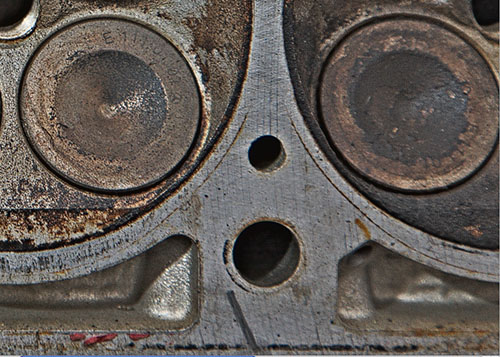
The corners are improved but the center maybe over-processed (although these kind of subjects often may need lots of detail extraction).
We create a Layer Mask that limits the stronger detail extraction to the corners.
Create an Elliptical Marquee:
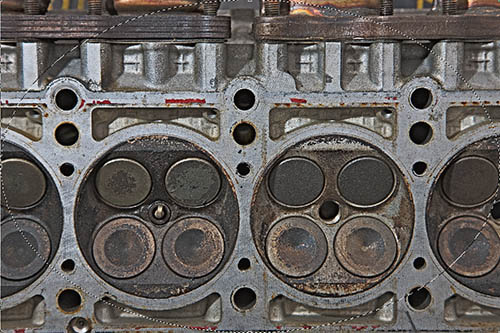
Elliptical Marquee
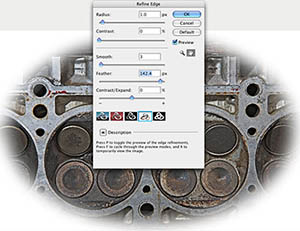
and use a strong feather at the edges ("Redefine Edges"):
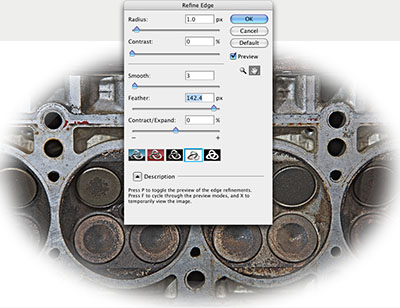
Invert this selection and apply it as a Layer Mask.
We get the following result:
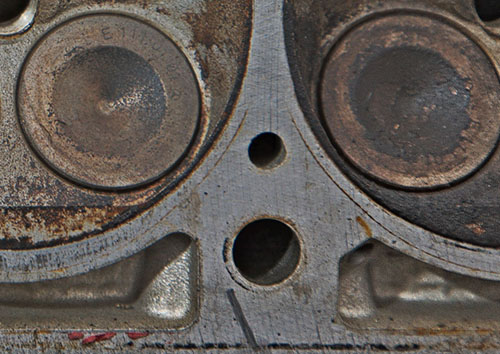
Masked result
Final Tuning
After some final tuning using Curves
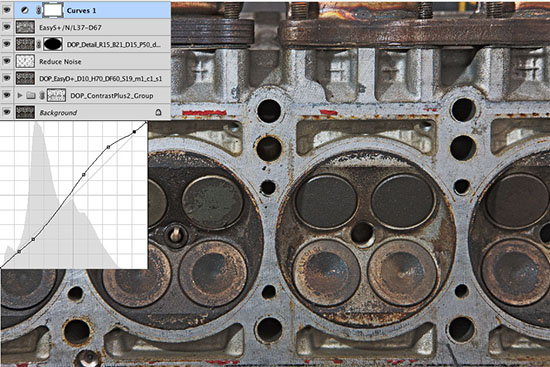
we get the final result:
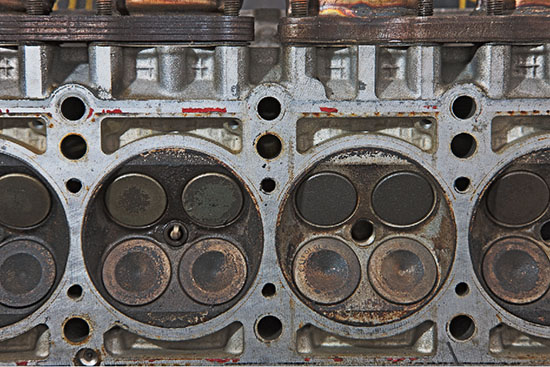
Final Image
Of course this technique cannot recover the lost sharpness from the lens but it can help to make the image quite acceptable. The same technique also works very well for other types of selective sharpening where we may paint the needed Layer Mask. |